 Money Finance
Python · .zip
Money Finance
Python · .zip
Expense CSV Analyzer
Categorise your spending from any bank export.
What you get
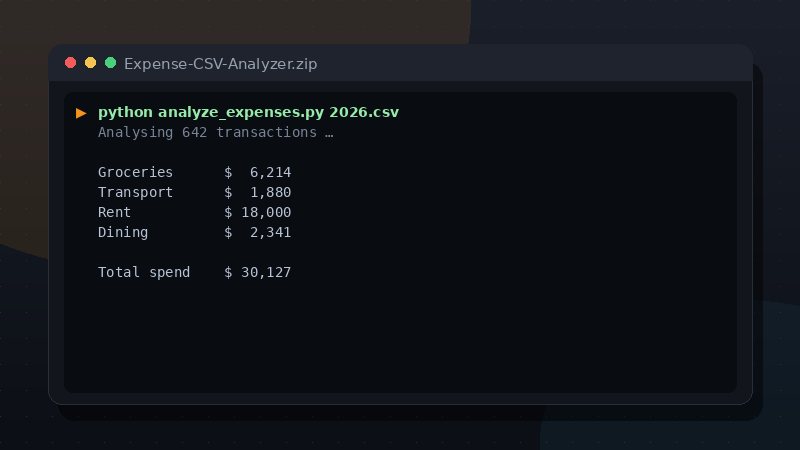
A dependency-free Python script that reads a transactions CSV, auto-categorises each expense and prints a clear spending breakdown.
Highlights
- Auto-categorises transactions
- Totals spent, income and net
- Works with any CSV bank export
Format & delivery
Delivered as a Python · .zip. The source, README and any included examples are yours to keep and edit.
How to run it
This is a Python bundle. You need Python 3 (free from python.org). External libraries: none — only the Python standard library.
- Download and unzip the bundle.
- Open a terminal in the unzipped folder.
- Run the program:
python expense-analyzer/analyze_expenses.py
The bundle includes a README.md with full options and examples.
Immediately after your Lightning payment settles, the download link appears at checkout. No account, no email, no waiting for a message.
How buying works
Pay from any Lightning-enabled Bitcoin wallet. The checkout creates an invoice for the fixed USD price and unlocks the file when the payment settles. An on-chain fallback is available. If you do not have Bitcoin yet, the no-card guide explains the shortest route.
Category: Money Finance · Product ID: expense-csv-analyzer